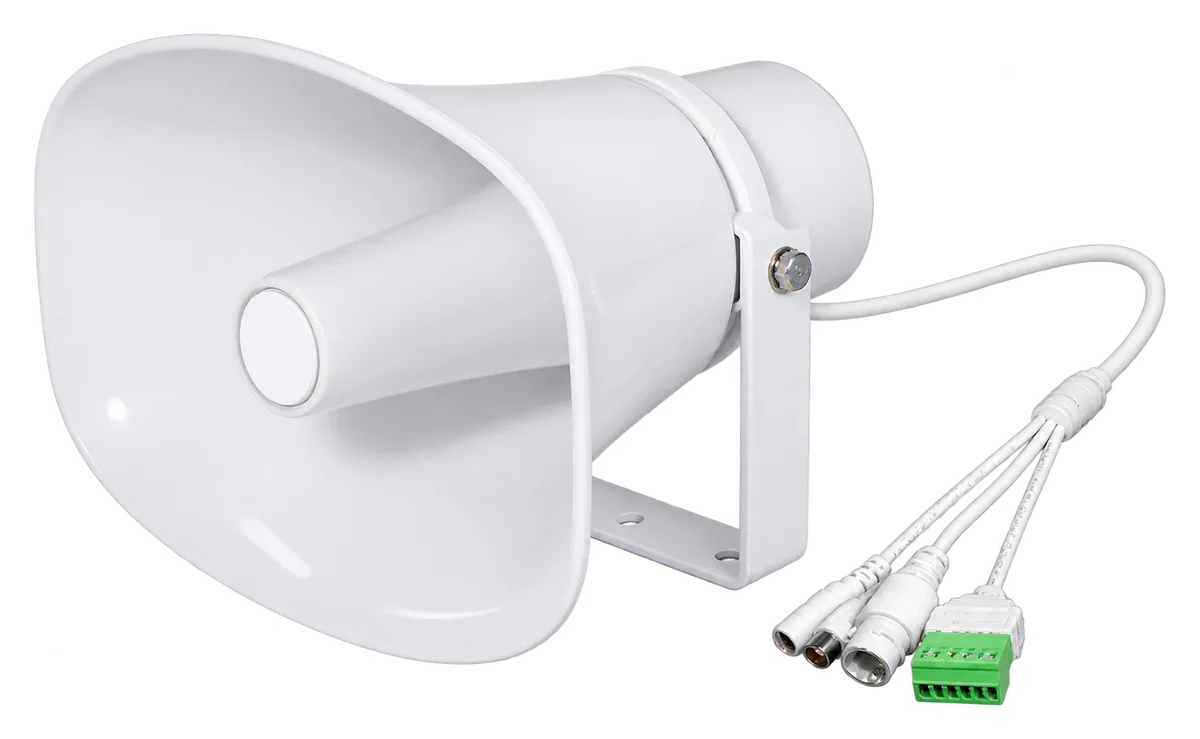
Don’t just watch. Speak up. Give your cameras a voice: talk live from the browser, or let the Hub play a warning the moment it detects something.
Coming soon. Leave your email below and we will let you know as soon as it is available.


Don’t just watch. Speak up. Give your cameras a voice: talk live from the browser, or let the Hub play a warning the moment it detects something.
Coming soon. Leave your email below and we will let you know as soon as it is available.
Connect any SIP-capable network speaker to a Monitoreal Hub, and your cameras get a voice. Talk live from the browser, or have the Hub play a message the moment it detects something. You can stop an incident while it is happening, not just record it.
| Feature | Monitoreal IP Speaker |
|---|---|
| Open standard | Speakers connect over SIP audio and optional login, directly to the Hub, with no PBX or cloud service in between. |
| Your own messages | Upload MP3, WAV, OGG, AAC, FLAC, M4A and more. The Hub converts each file for the speaker automatically. |
| One action system | The same rule or scenario can also switch relays (lights, sirens, barriers) and send notifications. Audio can go to an IP speaker, a Bluetooth speaker or the Hub’s audio jack. |
| Controlled access | Choose which user groups can use each speaker. |
| No double booking | If a speaker is already in a call, the next user is told it’s busy instead of being talked over. |
| Private by default | Live talk starts muted. Nothing is sent until you turn the microphone on. |